
If you have been typing for a while but your speed feels stuck at 30 or 40 WPM, the issue is rarely a lack of practice. More often, it is how you practice. Randomly typing the same paragraph over and over without focusing on technique, posture, or specific weaknesses is like running on a treadmill and expecting to get faster at sprinting — the movements are similar, but the approach is wrong.
This guide covers 10 specific, actionable techniques that address the real reasons typing speed plateaus. Each tip explains not just what to do, but why it works and how to apply it during your next practice session. By the end, you will have a structured plan you can use immediately.
1. Learn Proper Finger Placement
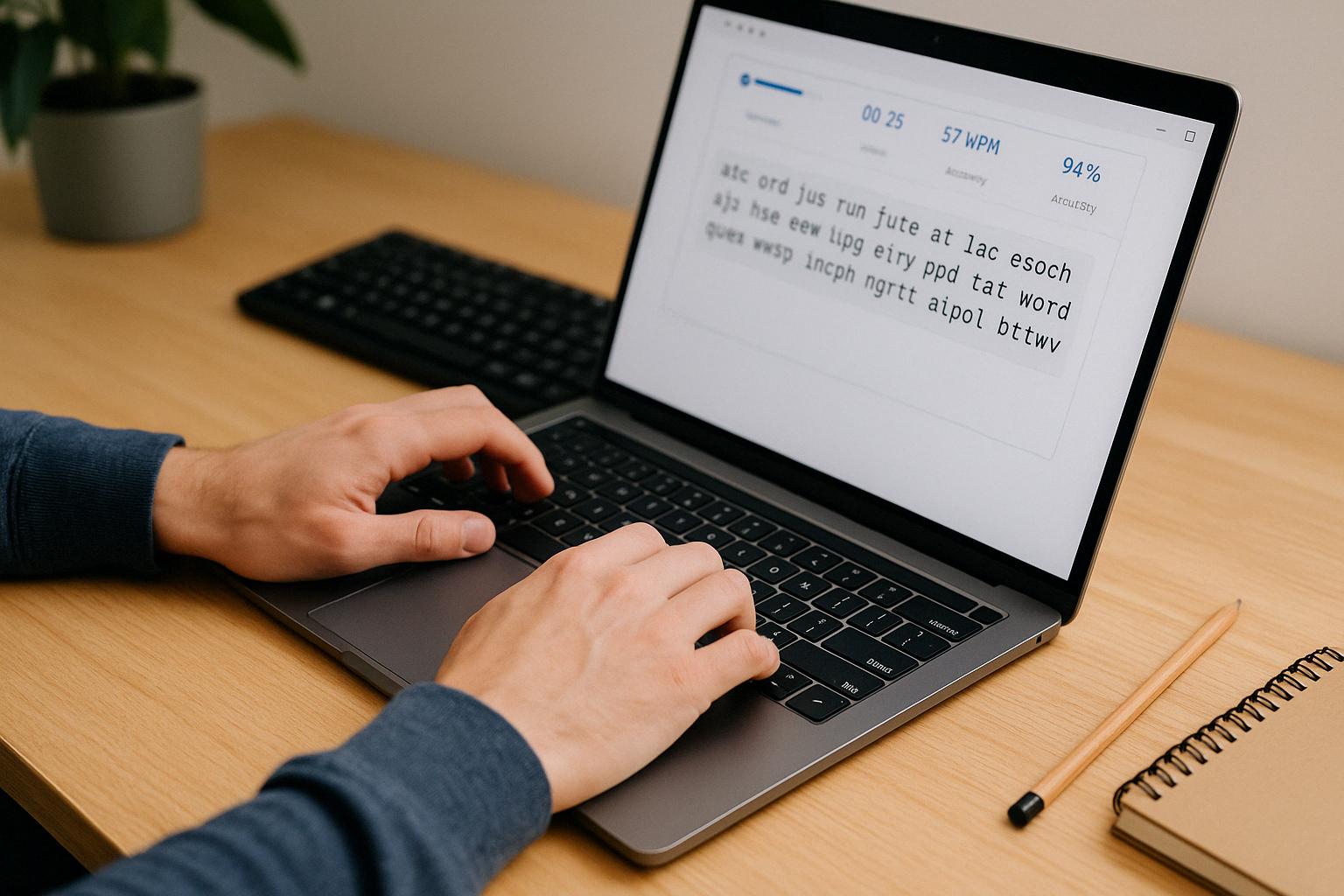
Every touch typist starts from the home row: the middle row of letter keys on a standard keyboard. Your left hand fingers rest on A S D F and your right hand fingers rest on J K L ;. Your thumbs hover over the space bar.
The F and J keys have small raised bumps or ridges. These tactile markers exist so you can find the home row position without looking down. Run your index fingers across the keyboard right now — you will feel them.
Why does this matter for speed? When each finger has an assigned zone of keys, your hands travel shorter distances. A hunt-and-peck typist might use two fingers to reach every key, requiring large hand movements across the entire keyboard. A touch typist's fingers move only one or two keys away from home position before returning.
Try this now: Place your fingers on the home row. Without looking, type asdf jkl; ten times slowly. Focus on pressing each key with the correct finger. If this feels unfamiliar, that is normal — you are building the foundation that makes everything else in this guide possible.
2. Stop Looking at the Keyboard
Looking at the keyboard while typing creates a cycle that actively prevents speed improvement. Here is what happens: your eyes drop to the keyboard, find a key, your finger presses it, then your eyes move back to the screen to check the result. Each glance takes roughly half a second to a full second — and those seconds add up across hundreds of keystrokes.
More importantly, looking at the keyboard prevents your brain from building muscle memory. Muscle memory is what allows experienced typists to press the right keys automatically, the same way you do not think about which muscles to use when walking. Your fingers can only learn key positions through repeated blind practice.
Practical approach: If going fully blind feels too difficult, try a gradual transition. Start by covering the keyboard with a cloth or piece of paper for just 5 minutes during practice. You will make more mistakes at first, but resist the urge to peek. When you make an error, feel for the F and J bumps, reset your fingers, and try again. Within a week of daily practice, you will notice you look down much less frequently.
3. Focus on Accuracy Before Speed
This is perhaps the most counterintuitive tip: to type faster, you need to slow down first. Here is why.
When you type a word incorrectly, you must stop, press Backspace one or more times, and retype the correct characters. A single error in a 5-letter word can cost you 3 to 5 extra keystrokes and roughly 2 seconds. If you make 10 such errors in a one-minute test, you lose around 20 seconds — a third of your test time — just on corrections.
Consider this example: a typist who types at 60 WPM gross speed but only 85% accuracy might produce an effective (net) speed of around 45 WPM after accounting for correction time. A different typist who types at 50 WPM with 98% accuracy might finish the same passage at an effective speed of 48 WPM — faster in practice despite being "slower" on paper.
The rule: Slow down until your accuracy is consistently above 95%. Once you can type cleanly at a comfortable pace, gradually push your speed upward by 5 WPM increments while maintaining that accuracy threshold.
4. Practice Every Day in Short Sessions
Typing is a motor skill, similar to playing a musical instrument. Motor skills develop through frequent repetition, not marathon sessions. Practicing 15 minutes every day is significantly more effective than practicing 2 hours once a week.
The reason is how your brain consolidates motor skills. During sleep and rest periods between practice sessions, your brain strengthens the neural pathways created during practice. Frequent short sessions give your brain more consolidation opportunities.
Realistic schedule: Set aside 15 to 20 minutes at the same time each day. Morning sessions work well because your fingers are rested, but any consistent time works. If you miss a day, simply resume the next day rather than trying to "make up" the time with a longer session.
5. Use Different Types of Practice
Typing the same comfortable paragraph repeatedly trains you to type that specific paragraph well, but it does not prepare you for the variety of text you encounter in real life. Emails, code, essays, chat messages, and forms all contain different character patterns.
Effective practice includes variety:
- Common words: Practice the most frequently used English words to build speed on text you type every day.
- Sentences and paragraphs: Build fluency with capitalization, spacing, and punctuation.
- Numbers and symbols: Many typists slow down significantly when they encounter numbers or special characters like
@ # $ %. Practicing these separately helps. - Custom text: Use custom text practice on Tyspingo to type your own notes, study material, or work-related text.
- Typing games: Arcade-style typing games add time pressure that trains faster decision-making and keystroke execution.
6. Keep Your Hands and Body Relaxed
Tension is a hidden speed killer. When your shoulders are hunched, your wrists are pressed against the desk edge, or your fingers are striking keys with excessive force, your muscles fatigue faster and your movements become less precise.
Posture checklist:
- Chair height: Adjust so your feet rest flat on the floor and your thighs are roughly parallel to the ground.
- Elbows: Bent at approximately 90 degrees, hanging naturally at your sides.
- Wrists: Floating slightly above the keyboard, not resting on the desk or a wrist rest while actively typing.
- Fingers: Gently curved, hovering just above the keys. Think of holding a small ball in each hand.
- Shoulders: Dropped and relaxed, not pulled up toward your ears.
- Screen: Positioned at eye level or slightly below, so you do not need to tilt your head down.
If you notice yourself tensing up during practice, pause for 10 seconds. Shake out your hands, roll your shoulders, and resume at a slightly slower pace.
7. Track Your WPM and Accuracy
You cannot improve what you do not measure. After each practice session, record two numbers: your WPM (words per minute) and your accuracy percentage.
WPM is calculated using a standard formula: total characters typed divided by 5 (the standard word length), divided by the number of minutes. For example, if you type 250 characters in 1 minute: 250 ÷ 5 = 50 WPM.
Accuracy is the percentage of correct keystrokes out of total keystrokes. If you pressed 260 keys and 250 were correct: 250 ÷ 260 × 100 = 96.2% accuracy.
8. Practice Difficult Letter Combinations
Most typists have specific letter patterns that consistently slow them down. Common problem areas include:
- Letters that require the pinky finger:
Q, Z, P, ; - Adjacent keys typed by the same finger:
ed, de, fr, rf - Words with unusual letter sequences:
rhythm, queue, phlegm, chrysanthemum - Reaching for the number row without looking:
1 2 3 4 5 6 7 8 9 0
How to identify your problem keys: After a typing test, look at which words you mistyped or which caused you to slow down noticeably. Write down those words and create a short practice list. Type each problem word 10 to 15 times slowly and correctly before moving on. This targeted approach fixes weaknesses much faster than general practice.
9. Build Rhythm Instead of Rushing
Fast typists do not type in bursts of frantic speed followed by pauses. Instead, they maintain a smooth, consistent rhythm — like a metronome. Each keystroke happens at roughly the same interval, creating a steady flow of characters.
Rushing causes problems: your fingers get ahead of your brain, leading to mistyped characters, skipped letters, and broken flow. When you then stop to correct those mistakes, the overall result is slower than if you had maintained a steady pace throughout.
Rhythm exercise: Open a typing practice session and deliberately type at about 80% of your maximum speed. Focus on making each keystroke evenly spaced. You should hear (or feel) a consistent tap-tap-tap pattern. Once that rhythm feels natural, gradually increase your pace while maintaining the evenness.
10. Track Progress Over Time
A single typing test result is just a snapshot — it can vary based on your energy level, the difficulty of the text, and even the time of day. Real progress becomes visible when you compare results across multiple sessions over weeks.
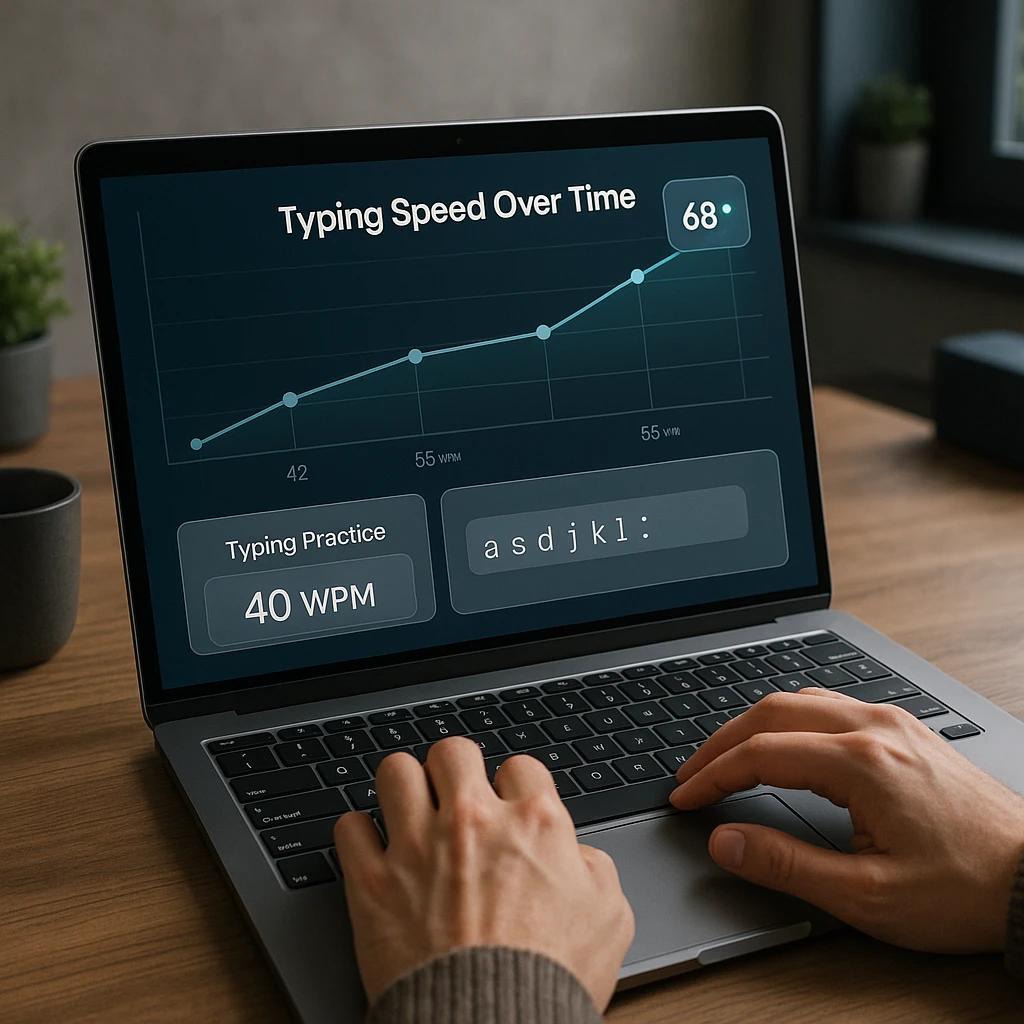
Simple tracking method: Keep a notebook or spreadsheet with three columns: date, WPM, and accuracy. Test yourself under similar conditions (same test length, same type of text) every 3 to 5 days. After 2 to 3 weeks, you will see a trend line that shows your actual rate of improvement.
Do not get discouraged by individual sessions where your speed drops. Day-to-day variation is normal. What matters is whether your average over a 2-week period is improving.
Typing Speed Levels: Where Do You Stand?
The following table shows general typing speed ranges. These are not rigid categories — they are reference points to help you understand where you are and set a realistic next goal.
| Level | WPM Range | Typical Profile | Next Step |
|---|---|---|---|
| Beginner | 15–30 WPM | Hunt-and-peck typist, looks at keyboard frequently | Learn home row, practice finger placement |
| Developing | 30–45 WPM | Knows most key positions, still glances down occasionally | Stop looking at keyboard, focus on accuracy |
| Intermediate | 45–65 WPM | Comfortable touch typist, occasional errors on complex words | Practice difficult keys, build consistent rhythm |
| Proficient | 65–90 WPM | Fast and accurate, handles punctuation and numbers well | Speed drills, varied text, timed challenges |
| Advanced | 90+ WPM | Very fast, near-automatic typing with minimal errors | Maintain skills, challenge with complex text |
Daily Practice Plan to Increase Typing Speed
Here is a practical 20-minute daily routine you can start using today. Adjust the times based on your schedule, but try to keep the structure consistent.
| Minutes | Activity | Purpose |
|---|---|---|
| 0–5 | Warm-up: type familiar words at a comfortable pace | Loosen fingers, establish rhythm |
| 5–10 | Accuracy drill: type slowly with the goal of 98%+ accuracy | Reinforce correct muscle memory |
| 10–15 | Difficult keys: practice your weakest letter combinations | Eliminate specific bottlenecks |
| 15–20 | Timed test: take a 1-minute speed test and record results | Measure current performance |
Common Mistakes That Slow You Down
Even dedicated practitioners can stall their progress by falling into these traps:
- Only practicing easy text. If you always type the same simple words, you are not training the finger movements needed for more complex vocabulary, punctuation, or numbers.
- Ignoring accuracy to chase WPM. A high WPM with low accuracy means you are spending significant time on corrections. Slow down and clean up your keystrokes first.
- Practicing inconsistently. Three hours on Saturday does not replace fifteen minutes each day. Motor skills need frequent short repetitions to develop.
- Using incorrect fingers. If your right index finger reaches all the way to
Pinstead of using your pinky, you are creating movement patterns that will cap your speed. Learn the correct finger assignments and stick with them, even when it feels slower initially. - Practicing when fatigued. Typing with tired, tense muscles reinforces sloppy habits. If your fingers or wrists feel strained, take a break.
- Never reviewing mistakes. After a test, take 30 seconds to look at which words you mistyped. Knowing your weak spots lets you target them in your next practice session.
For a deeper analysis of typing habits that create speed plateaus, read our detailed guide on 10 common typing speed mistakes holding back your WPM.
Bringing It All Together
Increasing your typing speed is not about finding a single trick or shortcut. It is a combination of correct technique (finger placement, posture), deliberate practice (accuracy first, then gradual speed increase), and consistent measurement (tracking WPM and accuracy over time).
Start with whichever tip addresses your biggest current weakness. If you still look at the keyboard, start there. If your accuracy is below 90%, slow down and focus on clean keystrokes. If your speed is stuck despite good technique, try targeted practice on your problem keys or add variety with typing games.
The most important step is the next one: open a typing practice session on Tyspingo, take a baseline test, write down your WPM and accuracy, and commit to 15 minutes of focused practice tomorrow.
Frequently Asked Questions
How long does it take to increase typing speed?
With consistent daily practice of 15 to 20 minutes, most typists see measurable improvement within 2 to 4 weeks. Beginners starting at 20 to 30 WPM can often reach 40 to 50 WPM in about a month. The rate of improvement depends on your starting level, how focused your practice sessions are, and whether you are using correct finger placement.
What is a good typing speed to aim for?
For everyday computer use, 40 to 60 WPM with 95% or higher accuracy is a practical target. Professional roles that involve heavy typing (data entry, transcription, programming) often require 65 to 90 WPM. Rather than comparing yourself to an abstract benchmark, focus on steadily improving from your current baseline.
Should I learn touch typing to type faster?
Yes. Touch typing — using all ten fingers with assigned key zones and without looking at the keyboard — is the most reliable method for reaching higher speeds. Hunt-and-peck typing creates a speed ceiling because you must visually search for each key. If you are currently a hunt-and-peck typist, learning touch typing is the single highest-impact change you can make. Read our touch typing for beginners guide to get started.
Does typing speed decrease when switching to touch typing?
Your speed may temporarily drop as you retrain muscle memory. This is normal and typically lasts 1 to 3 weeks. During this transition, your brain is replacing old hunt-and-peck pathways with new, more efficient movement patterns. Once the correct finger positions become automatic, your speed will surpass your previous peak.
How is WPM calculated?
WPM stands for Words Per Minute. In standardized typing tests, one "word" equals 5 characters (including spaces and punctuation). The formula is: total characters typed ÷ 5 ÷ minutes. For example, if you type 300 characters in 1 minute: 300 ÷ 5 = 60 WPM. Some tests also calculate "Net WPM" which subtracts errors from the total.
Can typing games help increase my speed?
Yes. Typing games add time pressure and visual urgency, which trains your brain to process words and execute keystrokes faster. Games are especially useful for building reaction speed and eliminating finger hesitation between words. Try Tyspingo's arcade typing games or the Falling Words typing game as a complement to standard practice.
Ready to Increase Your Typing Speed?
Take a free typing speed test on Tyspingo, record your baseline WPM and accuracy, then apply these 10 tips during your next practice session.
Take a Free Typing Test