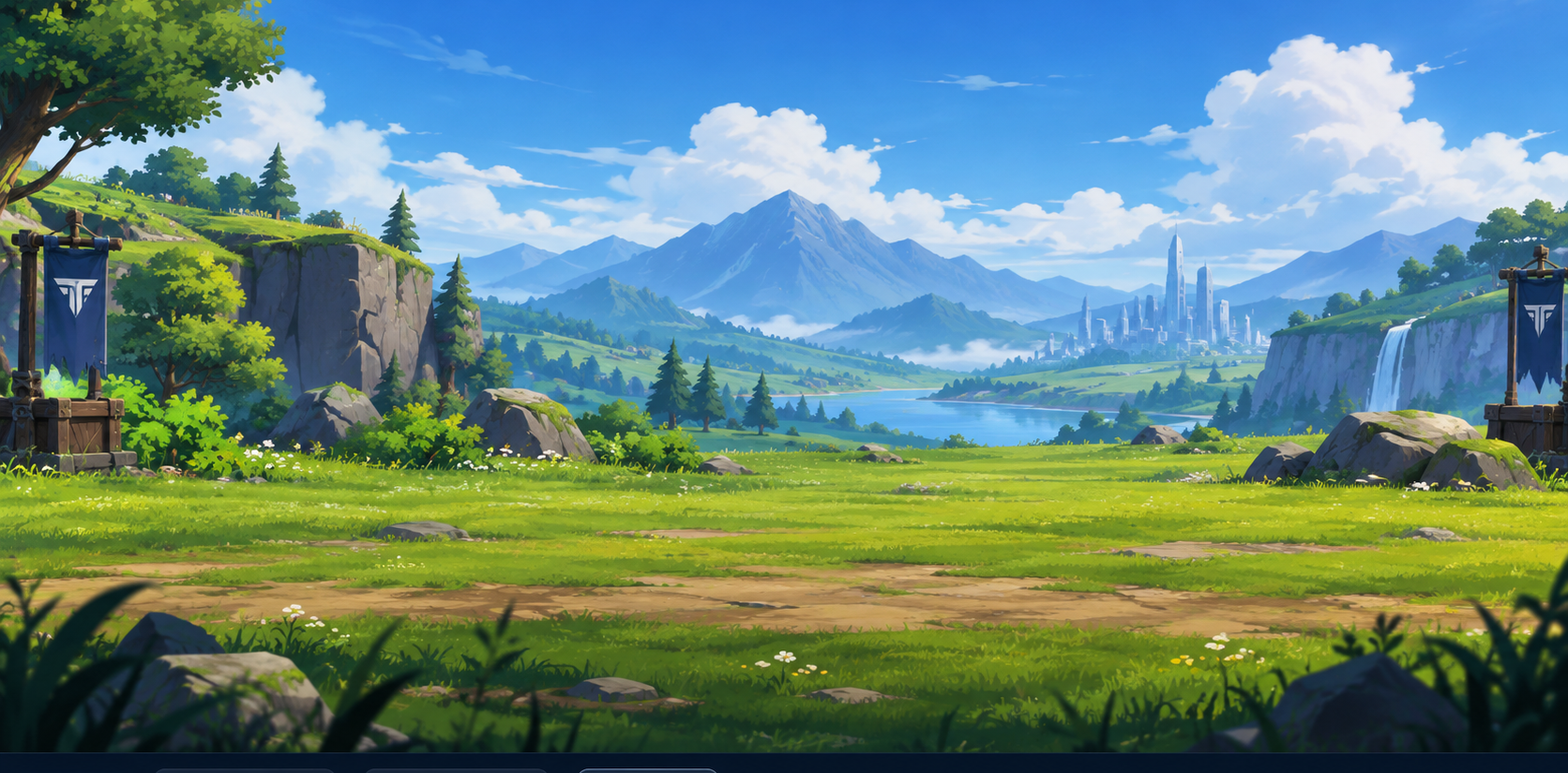
Keyboard Warrior: Stickman Typing Combat Game
Keyboard Warrior is Tyspingo's arcade stickman typing combat beat-em-up. Type active word prompts accurately to unleash punches, kicks, jump attacks, and multi-hit combos against invading stickman waves.
How Stickman Typing Beat-Em-Up Mechanics Work
In Keyboard Warrior, typing is directly connected to martial arts combat. Each correct letter typed advances your active target word and strikes surrounding enemies. Completing an entire word triggers powerful finishing kicks, roundhouses, or air launcher combos.
Tactical Movement, Special Attacks, and Health
Combat requires tactical positioning. Use movement controls (WASD or Arrow keys) between word prompts to dodge incoming strikes or position your stickman warrior. Note that movement keys function strictly when you are not actively typing a word—during active word entry, every key press is focused on striking.
When surrounded, press TAB to unleash a high-damage Special Attack (4-second cooldown). Track your health gauge closely as enemy counter-attacks reduce your life. Press ESC to pause at any time or use the on-screen Restart button.
Explore More Arcade Typing Challenges
After clearing stickman waves in the arena, test your raw speed with our standard typing test, test weapon combos in a combat arena, or browse the complete collection on the Game Mode hub.
Frequently Asked Questions
How do movement controls work during typing combat?
WASD or Arrow keys allow your stickman to move, jump, or crouch when you are between words. Once you start typing a word, keypresses target active word characters until the word is completed.
What does the Tab key do in Keyboard Warrior?
Pressing Tab triggers your Special Attack, clearing nearby enemies with a heavy knockback move. This special move has a 4-second cooldown.
Can I pause or restart during battle?
Yes, press Escape or click Pause to pause the action. You can resume, restart the round, or return to the Game Mode selection screen at any time.